
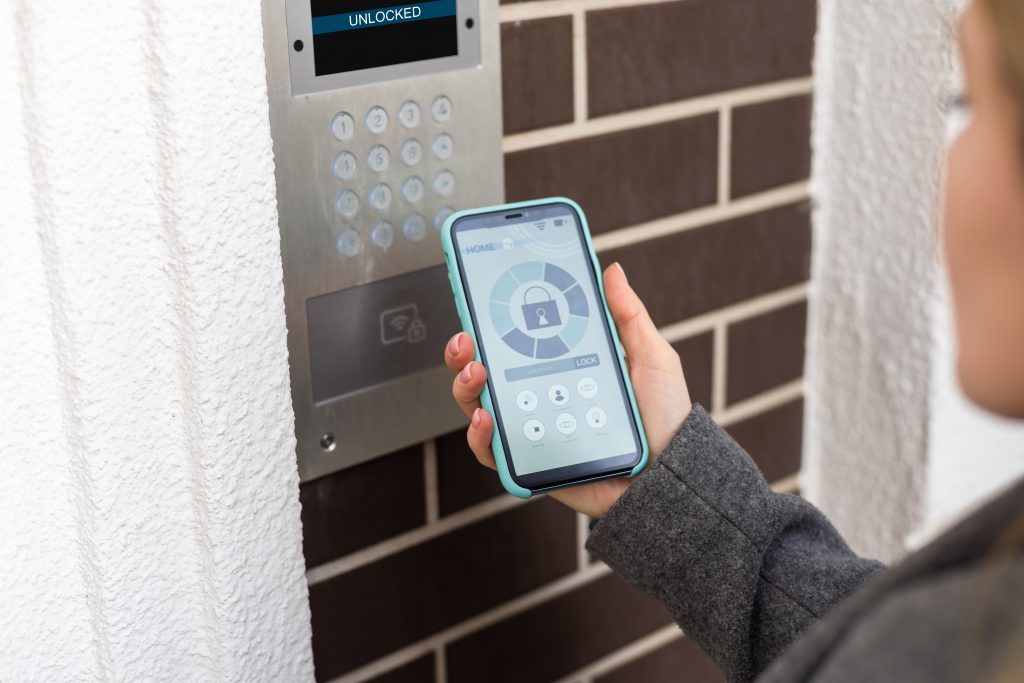
Your Key Maker helps Ottawa households when a smart lock not working turns a convenient door into a frustrating one. Keyless entry is wonderful until the keypad goes dark or the bolt refuses to move. The reassuring part is that a smart lock not working is usually caused by something simple, and most issues have a quick fix.
This guide walks through the common causes, the steps to try yourself, and the moment to call a locksmith. A little troubleshooting often gets you back inside without any drama.
Smart Lock Not Working? Start With the Batteries
Before anything else, suspect the batteries. They are behind the large majority of smart lock problems, and they fail more often than people expect.
A smart lock draws power every time it wakes, connects, and moves the bolt. Over months that adds up, and a low battery can cause slow responses, missed commands, or a dead keypad. Many locks flash a warning first, but it is easy to miss.
Ottawa winters speed this up. Cold weather reduces battery capacity, so a pack that seemed fine in autumn can fade on the first harsh week. Fresh, quality batteries are the first and easiest fix to try.
Common Reasons for a Smart Lock Not Working
When new batteries do not solve it, a short checklist usually points to the cause. Most fall into a few familiar groups.
Connectivity is a frequent one. A weak Wi-Fi or Bluetooth signal, or a router that recently changed, can leave the lock unable to talk to your phone. Restarting the lock and the app often restores the link.
A stalled update or a glitchy app is another. So is a mechanical snag, where the bolt meets a door that has shifted with the seasons. Each of these shows up differently, which is why a calm, step-by-step check works best.
Quick Resets to Try
Many locks respond to a simple reset. Pull and reseat the batteries, then restart the companion app on your phone.
If the lock pairs over Bluetooth or Wi-Fi, re-pair it after the restart. For guidance specific to your model, manufacturers such as Schlage keep a smart lock support portal with troubleshooting steps.
Work through one change at a time rather than several at once. Swap the batteries first, test the lock, then move to connectivity if the problem remains. Changing everything together makes it hard to know what actually fixed the issue, and it can introduce a new snag of its own.
Smart Lock Troubleshooting at a Glance
The table below matches common symptoms to their most likely cause and first fix.
| Symptom | Likely cause | First step |
|---|---|---|
| Keypad is dark | Dead batteries | Replace with fresh batteries |
| App cannot connect | Wi-Fi or Bluetooth drop | Restart lock, router, and app |
| Bolt moves slowly | Low power or stiff bolt | New batteries, check alignment |
| Bolt will not move | Door or frame misaligned | Call a locksmith |
When the Bolt Will Not Move
Electronics are only half of a smart lock. The other half is the physical bolt and the door it sits in.
A smart lock not working only at the bolt, while the keypad lights up, almost always points to a mechanical snag. If the keypad works but the bolt jams, the issue is usually mechanical. A door that has swollen or settled can push the bolt out of line with the strike. Forcing it risks damage to both the lock and the frame.
This is the point to bring in help. Our smart lock installation and service team can realign the door, free the bolt, and confirm the lock seats properly again.
Cold Weather and Keyless Entry
Ottawa winters test every lock, and keyless models are no exception. The electronics work hard when the temperature plunges.
Battery chemistry slows in the cold, so a pack that reads healthy indoors can deliver far less power at an exterior door. That is why a smart lock not working often shows up on the first truly frigid morning rather than gradually. Lithium batteries tend to handle the cold better than alkaline, and many lock makers recommend them for this reason.
The door itself matters too. Frames swell, settle, and shift through freeze-and-thaw cycles, nudging the bolt out of line with the strike. A lock that has to fight a misaligned door drains its batteries faster and jams sooner. An autumn check of both batteries and alignment heads off most winter trouble.
Avoiding a Lockout Before It Happens
A little preparation keeps a dead battery from becoming a cold night outside. Most lockouts are preventable.
Learn your lock’s backup method now, whether that is a physical key override or an external power contact. Keep a spare key in a secure spot, and replace batteries on a schedule rather than waiting for them to die. If your lock pairs with a home system, keep the app updated.
For any home that mixes keyless and traditional locks, our residential locksmith services can set up sensible backups so one dead battery never leaves you stranded.
Frequently Asked Questions
Why did my smart lock suddenly stop working?
The most common cause is low or dead batteries, which can drain faster in cold weather. Connectivity drops, a failed update, or a jammed bolt are the other usual culprits.
Will I be locked out if my smart lock battery dies?
Most smart locks include a backup, such as a physical key override or an external power contact. Knowing your model’s backup before the battery dies is the best way to avoid a lockout.
Does cold weather affect smart locks?
Yes. Ottawa winters drain batteries faster and can stiffen a bolt against a misaligned frame. Fresh batteries and a well-aligned door help your smart lock ride out the season.
When should I call a locksmith about a smart lock?
Call when the bolt will not move, the lock is physically jammed, or the door no longer aligns with the strike. These are mechanical issues that a locksmith can diagnose and fix.
Talk to a Local Ottawa Locksmith
A smart lock not working is rarely as serious as it feels in the moment, and most fixes take only a few minutes. Call Your Key Maker at 613-909-9821 to speak with a local locksmith. Our shop is at 12 Pelham Cres in Richmond, Ontario, and we serve Ottawa and the surrounding communities Sunday through Thursday from 7:30 am to 11:00 pm, and Friday from 7:30 am to 5:00 pm.